Exam2pass
0 items Sign In or Register
  • Home
  • IT Exams
  • Guarantee
  • FAQs
  • Reviews
  • Contact Us
  • Demo
Exam2pass > Microsoft > Microsoft Certifications > 77-731 > 77-731 Online Practice Questions and Answers

77-731 Online Practice Questions and Answers

Questions 4

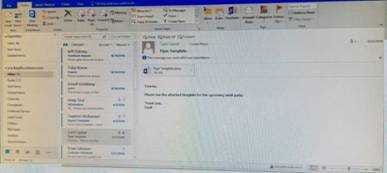
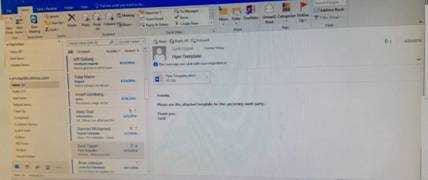
Mark the ''Flyer Template'' message as Do not forward between today and tomorrow. Do not set a reminder.

Buy Now

Correct Answer: See below for solution.

Questions 5

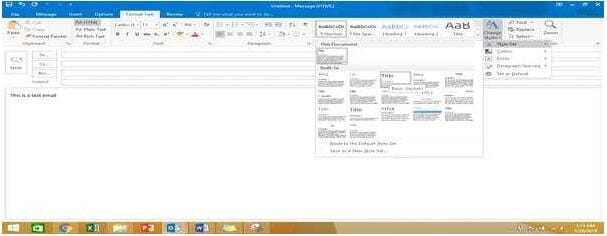
In the Drafts folder, open the ''Process Development'' message. Apply the Basic (Stylish) style set. Send the message.
Buy Now

Correct Answer: See below for solution.

In message body click on Format Text tab -Change styles -Style set -select Basic (Stylish)

Questions 6

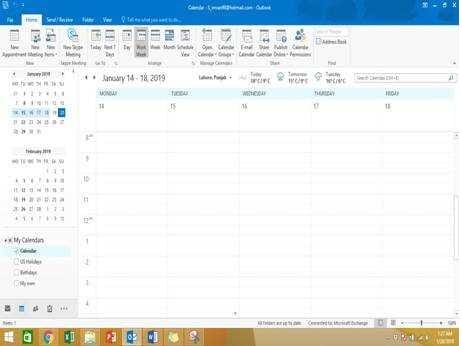
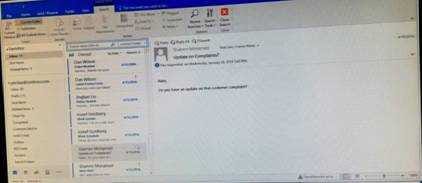
Display the Calendar, Configure the view to display the schedule for the current work week.
Buy Now

Correct Answer: See below for solution.

Click on colander and select "Work Week" in Arrange group

Questions 7

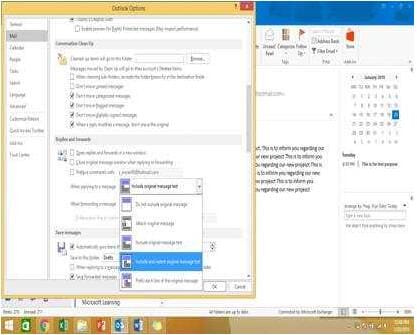
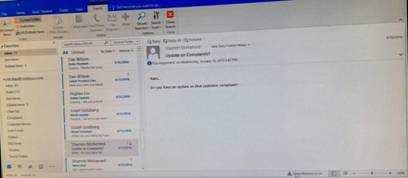
Configure Outlook to include and indent the original message text when you reply to a message.
Buy Now

Correct Answer: See below for solution.

File – options – Mail – Replies and forwards – when replying to a message

Questions 8

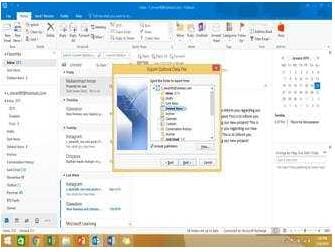
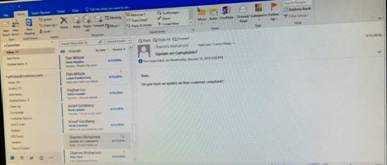
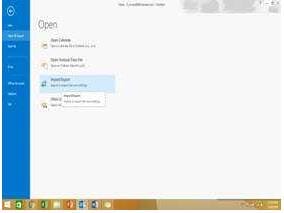
Export the contents of the Deleted items folder and its subfolders to a .pst file. Save the file in the Documents folder as ''Deleted.pst''. Do not enter a password.
Buy Now

Correct Answer: See below for solution.

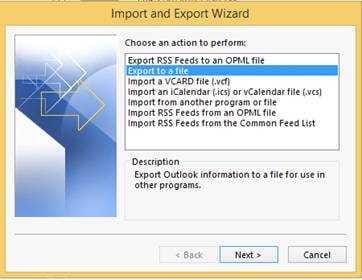
-File -Open and Export -Import/Export

Select Export to a file

Select outlook data file (.pst)

Select Deleted items folder and make sure include subfolders is selected

Select outlook data file (.pst)

Select Deleted items folder and make sure include subfolders is selected

Questions 9

Reset the navigation pane buttons to the default settings.

Buy Now

Correct Answer: See below for solution.

On the Navigation Bar, click …

Click navigation options then click on Reset

Questions 10

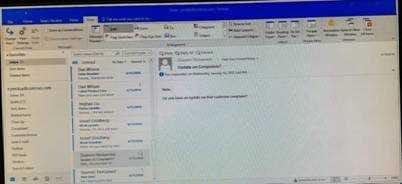
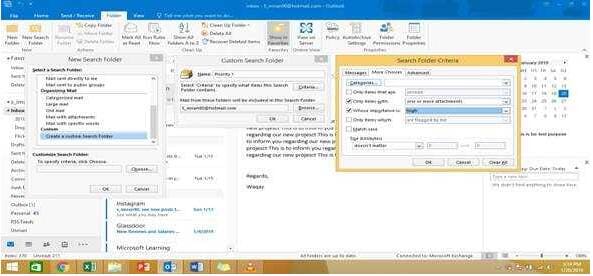
Create a Search Folder named ''Priority 1'' that displays messages that are marked as high importance and have at least one attachment.
Buy Now

Correct Answer: See below for solution.

Go to Folder

Select “New Search Folder”

Select create custom search folder and click on “Choose”

Give it name “Priority 1” and select “Criteria”

In “More choices tab” select the required options

Questions 11

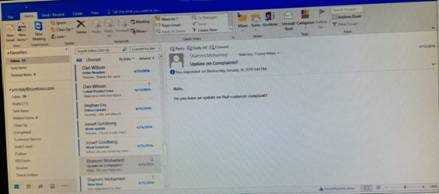
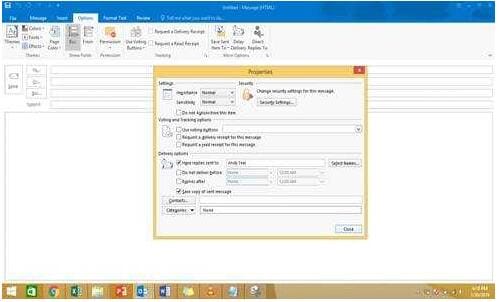
In the Drafts folder, open the ''Orientation'' message. Configure the message options to direct replies to ''Andy Teal''. Send the message.
Buy Now

Correct Answer: See below for solution.

Open the message – Go to Options tab – Direct Replies to – Delivery options group – select the “Andy Teal” in Have replies sent to field. Close the box and send the message.

Questions 12

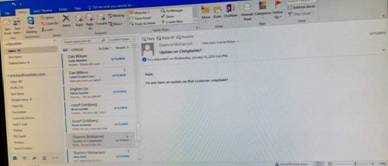
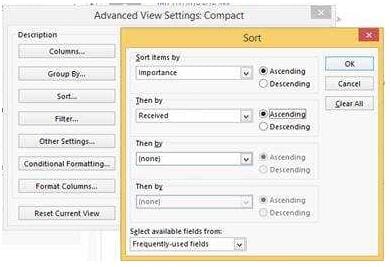
Sort the messages in the inbox by importance with high importance at the top and low importance at the bottom. Within each importance level, sort the messages by the date received with the most recent message shown first.
Buy Now

Correct Answer: See below for solution.

Click on View tab and then View settings. In sort option select the following.

Questions 13

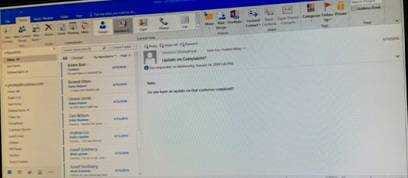
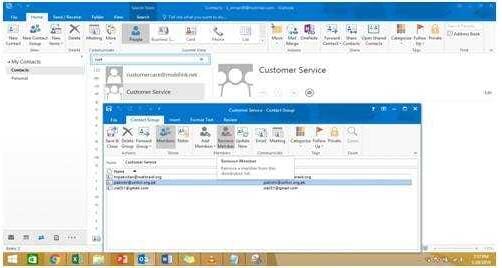
Remove ''Kim Ralls'' and ''Toby Nixon'' from Design'' contact group. Saves and close the contact group.
Buy Now

Correct Answer: See below for solution.

Search the contact group Select the ''Kim Ralls'' and ''Toby Nixon'' contacts and remove them one by one Saves and close the contact group

Exam Code: 77-731
Exam Name: Outlook 2016 Core Communication, Collaboration and Email Skills
Last Update: May 25, 2026
Questions: 35

PDF (Q&A)

$45.99
ADD TO CART

VCE

$49.99
ADD TO CART

PDF + VCE

$59.99
ADD TO CART

Exam2Pass----The Most Reliable Exam Preparation Assistance

There are tens of thousands of certification exam dumps provided on the internet. And how to choose the most reliable one among them is the first problem one certification candidate should face. Exam2Pass provide a shot cut to pass the exam and get the certification. If you need help on any questions or any Exam2Pass exam PDF and VCE simulators, customer support team is ready to help at any time when required.

Home | Guarantee & Policy |  Privacy & Policy |  Terms & Conditions |  How to buy |  FAQs |  About Us |  Contact Us |  Demo |  Reviews

2026 Copyright @ exam2pass.com All trademarks are the property of their respective vendors. We are not associated with any of them.