
98-383 Online Practice Questions and Answers
HOTSPOT
You are designing a website for Litware, Inc.
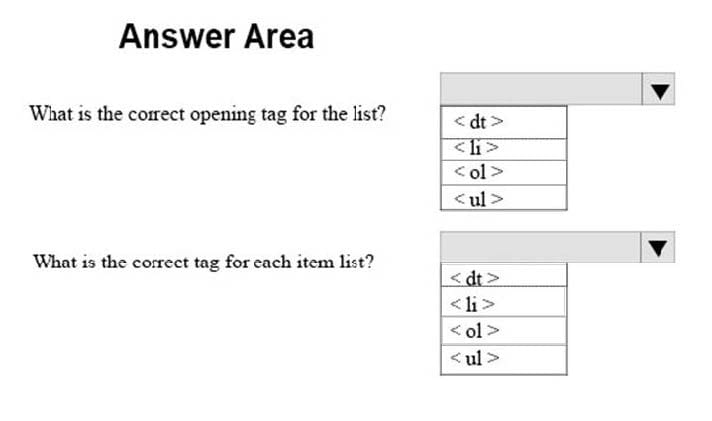
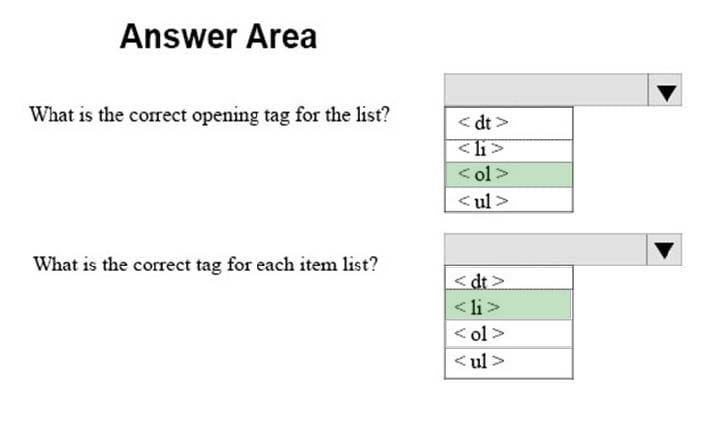
A webpage must display the following list of numbered steps:
1.
Download.
2.
Install the update.
3.
Restart your computer.
You need to create the necessary markup.
Use the drop-down menus to select the answer choice that answers each question based on the information presented in the requirements.
Hot Area:
HOTSPOT
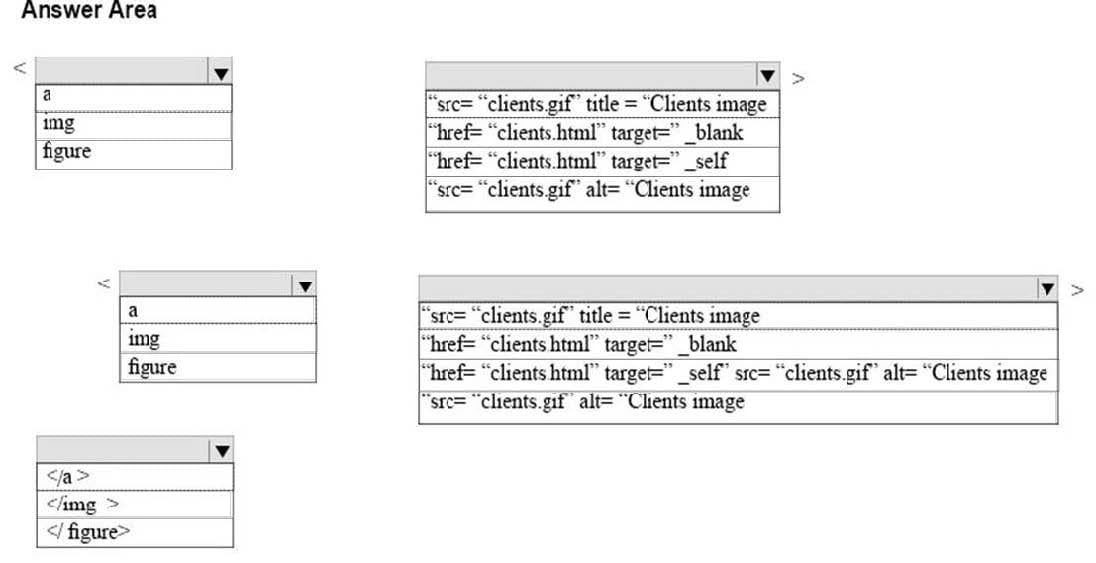
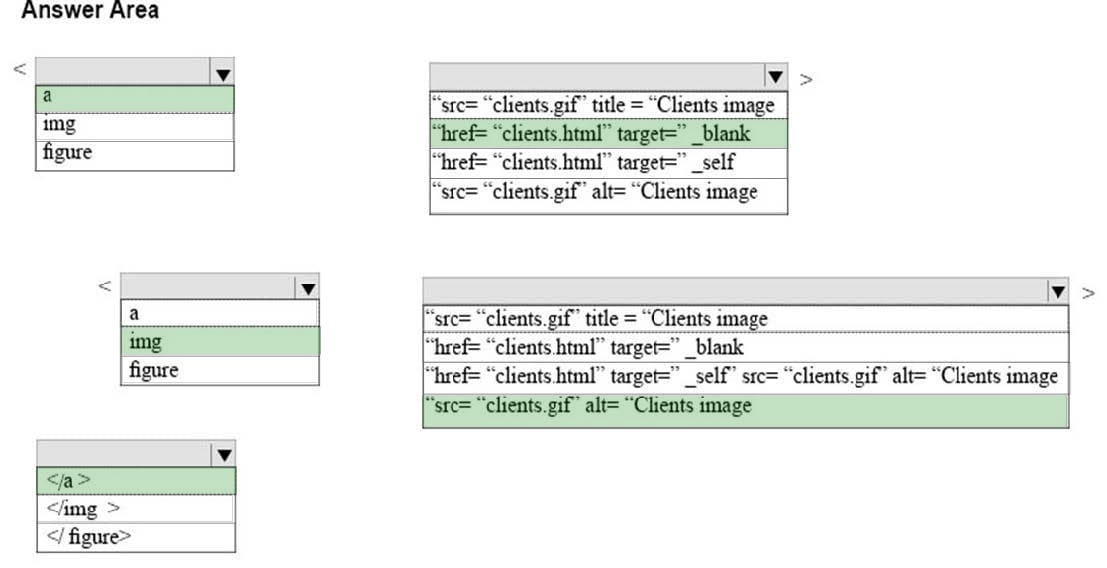
You are creating an image link to the clients.html page. When the visitor clicks on the clients.gif graphic, the clients.html page must display in a new window. The graphic must provide text for screen readers and display text while the page is
loading.
How should you complete the markup? To answer, select the appropriate markup segments in the answer area.
Hot Area:
HOTSPOT
You are analyzing the following CSS for an element on a page: background: #0000FF url(“Watermark.png”) repeat-x right;
For each of the following statements, select Yes if the statement is true. Otherwise, select No.
Hot Area:


HOTSPOT
You need to display an image of an HTML5 logo in one of your webpages. If the page renders slowly, the text “HTML Icon” should display as the image loads. How should you complete the markup? The answer, select the appropriate markup segments in the answer area.
Hot Area:


DRAG DROP
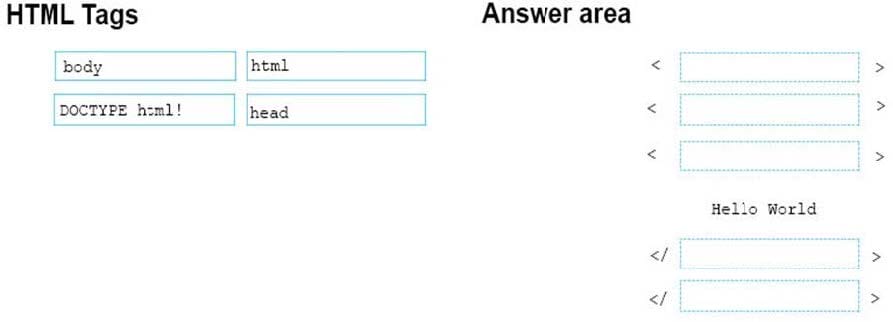
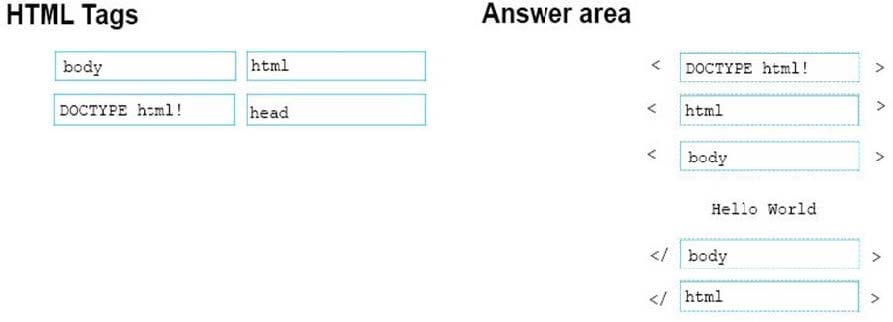
You are creating a simple HTML page that displays the text, Hello World. You must ensure that the markup is well-formed and conforms to industry best practices.
How should you construct the page? To answer, drag the appropriate HTML tags to the correct HTML tags to the correct HTML tag locations. Each tag may be used once, more than once, or not at all. You may need to drag the split bar
between panes or scroll to view content.
Select and Place:
DRAG DROP
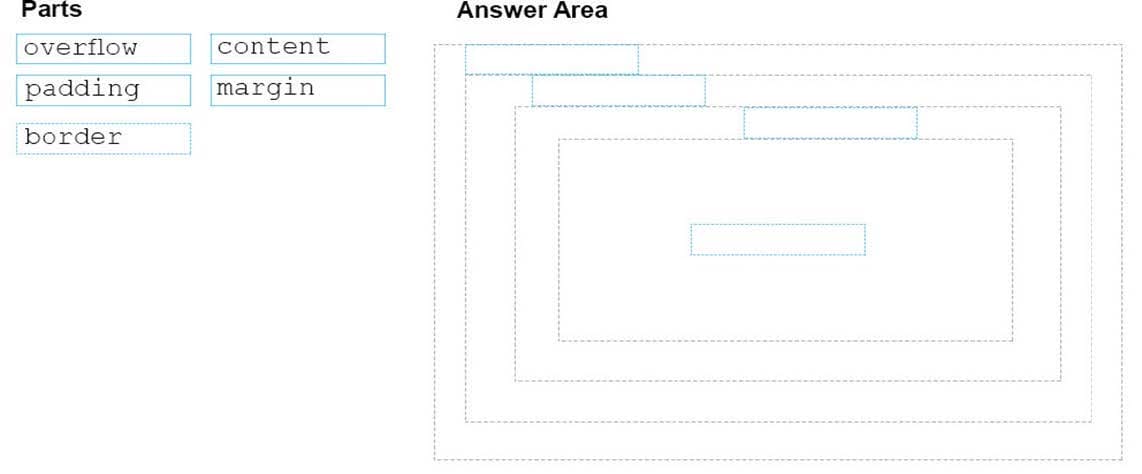
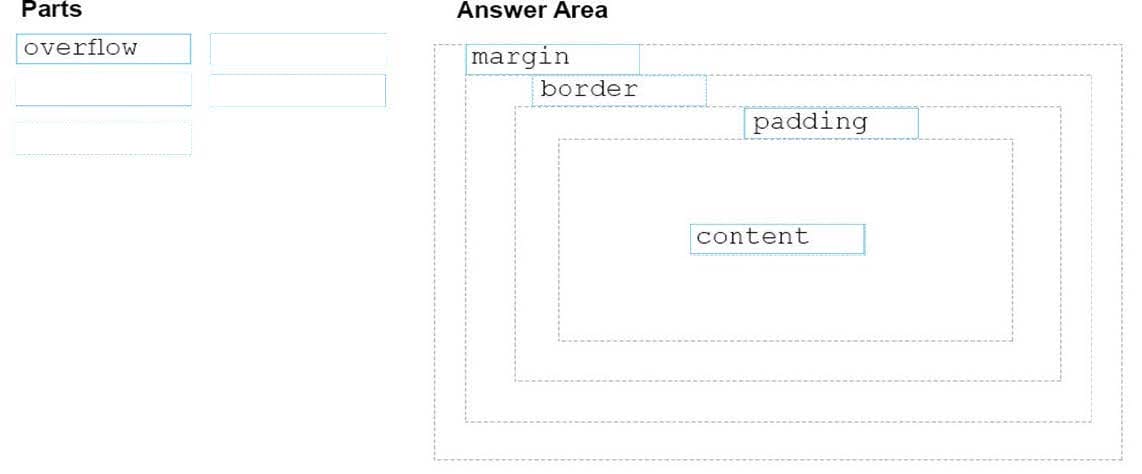
You need to identify the parts of the CSS box model that define an element's dimensions.
To answer, drag the appropriate part to the correct area. Each part may be used once, more than once, or not at all. You may need to drag the split bar between panes or scroll to view content.
NOTE: Each correct selection is worth one point
Select and Place:
DRAG DROP
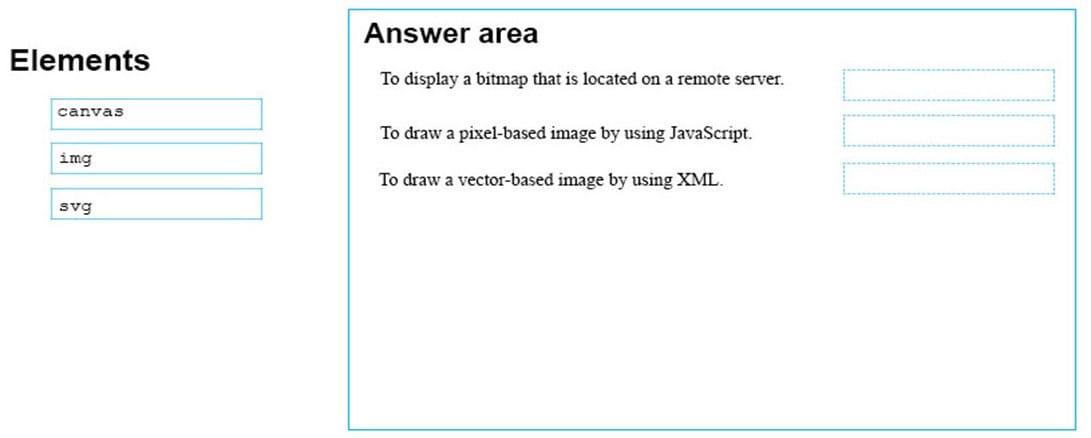
You are designing a website that displays graphics.
You need to determine whether to use img, svg, or canvas elements.
When should you use each element? To answer, drag the appropriate element from the column on the left to its use on the right.
Each element may be used once, more than once, or not at all.
Select and Place:

DRAG DROP
You are creating a web page that displays a How-To video. When accessing the video, the user must be able to play, pause, and seek. The file name of the video is HowTo.mp4, and exists in the same folder as the webpage.
If the user's browser does not support HTML5, the page must display this message: Your browser does not support playing this video.
How should you construct the markup? To answer, drag the appropriate markup segments to the correct locations. Each markup segment may be used once, more than once, or not at all. You may need to drag the split bar between panes or
scroll to view content.
Select and Place:


Analyze the following CSS for a webpage:
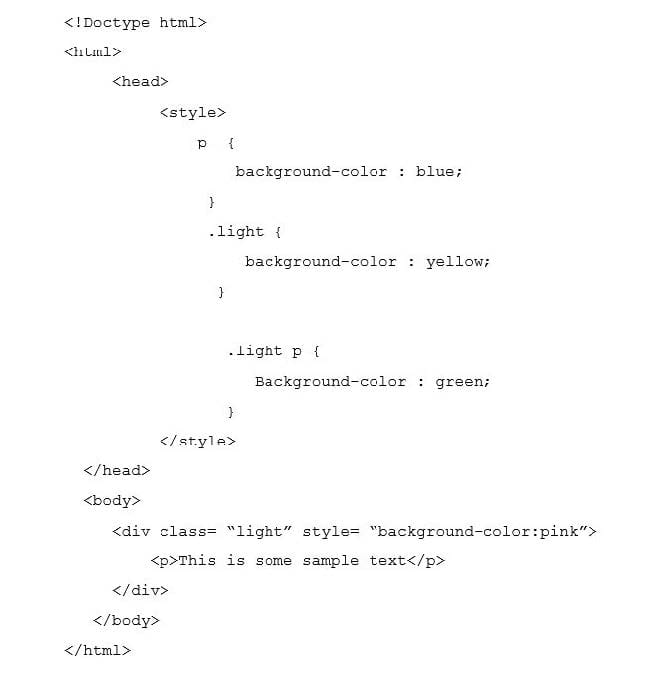
What is the resulting background color of the paragraph element?
A. Pink
B. Blue
C. Yellow
D. Green
This question requires that you evaluate the underlined text to determine if it is correct.
Static positioning places an element at specific coordinates relative to the page or the element's container.
Review the underlined text. If it makes the statement correct, select "No change is needed." If the statement is incorrect, select the answer choice that makes the statement correct.
A. No change is needed
B. Absolute positioning
C. Relative positioning
D. Fixed positioning